
Merge images side by side, in a grid or as overlays
Arrange photos in rows, grids or overlays.
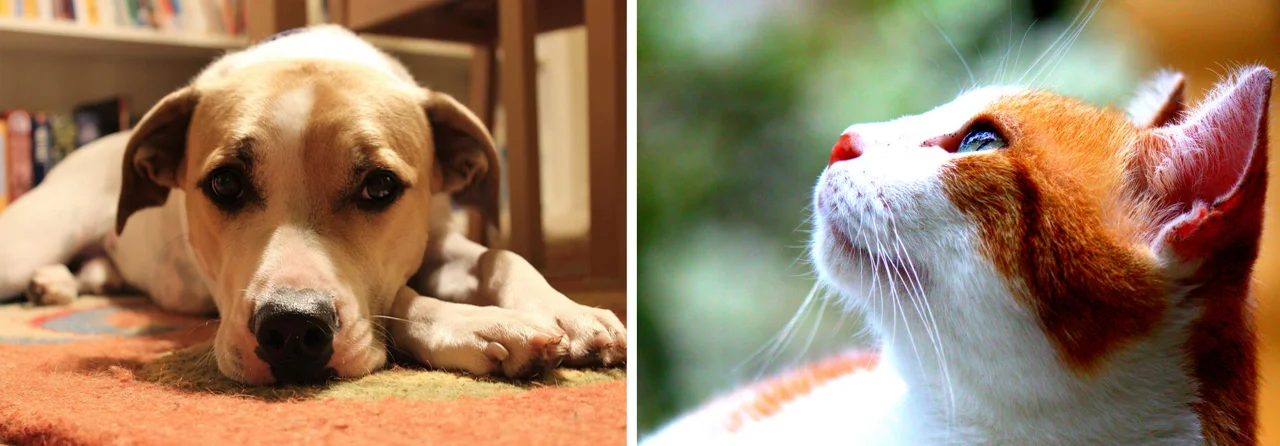
Example layout · ready to edit
Up to 10 images, 25 MB each; 100 MB total and 32 MP combined. PNG, JPEG and WebP. Canvas up to 4000 × 4000 px.
Layout preview
2 · Arrange & export
The layout updates immediately. Download renders your current arrangement.
Choose a layout before positioning layers
Merge images into one picture with horizontal, vertical or grid layouts, or arrange overlays. Control spacing, background and opacity locally.
Horizontal, vertical and grid layouts keep the full image inside each cell. Free overlay allows position, size and opacity changes. The first user images replace the demo layout; subsequent additions join your layout. Download PNG uses the current arrangement.
How to use Merge Images
- 01
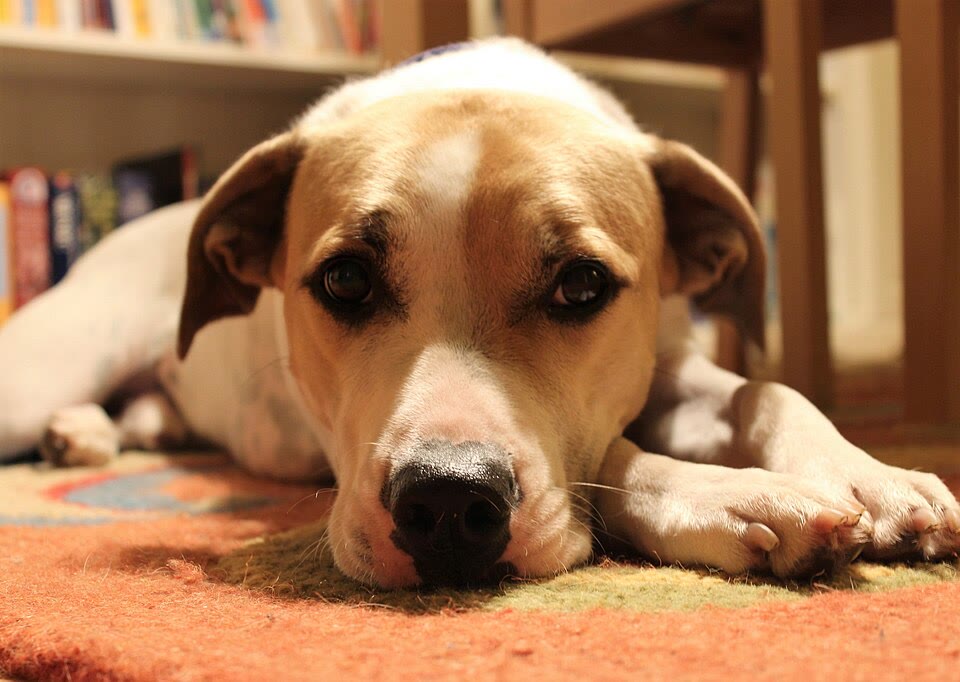
Try the editable example layout or add your images to replace it.
- 02
Choose a layout, reorder images and set spacing. Use Free overlay for custom positions and opacity.
- 03
Preview the layout immediately and download a single PNG.
When this tool works best
Images keep their proportions and grid cells contain the full image. This is a layout tool, not panorama stitching. Up to 10 inputs and 32 megapixels combined keep browser memory bounded.
Your downloaded file
A single PNG, optionally with a transparent background. The output canvas is capped at 4000 × 4000 px and its dimensions are shown before export.
Your image stays on your device
Processing runs in this browser. No image upload, account or remote AI service is required. Original images are kept separate from edits; failed processing keeps the original available. Downloads use your current settings; previews update automatically where supported. Open-source notices