
Choose what you want to do with your image
Choose a tool, try the example or open your own photo.
Resize & reshape
Adapt a photo to a new frame or reshape it with a brush.
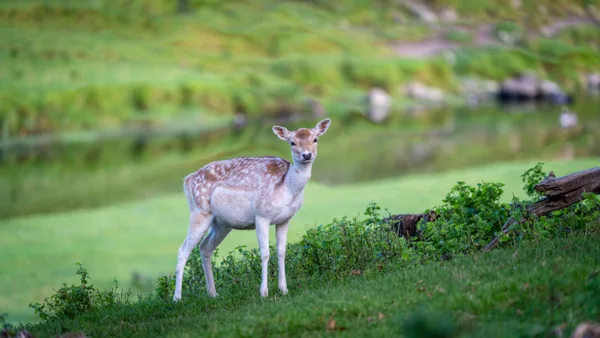
Content Aware Resize
Resize photos with seam carving, compare the result and export to common dimensions.
Large ratio changes can crop or distort the photo.
Open tool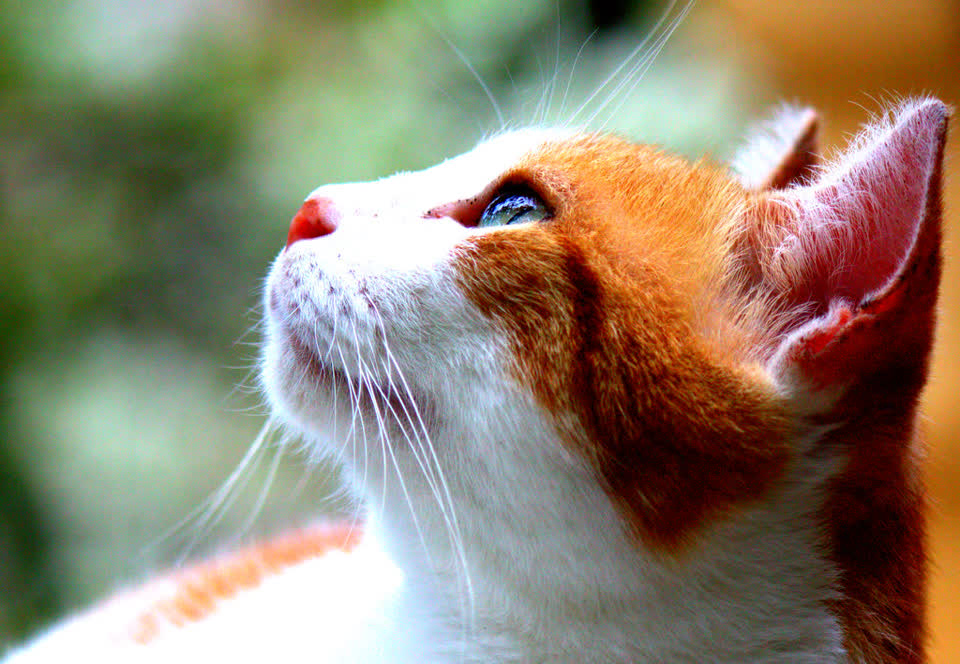
Liquify Image
Push, bloat, pinch or twirl pixels directly on the image.
Changes shape; it does not expand the canvas.
Open tool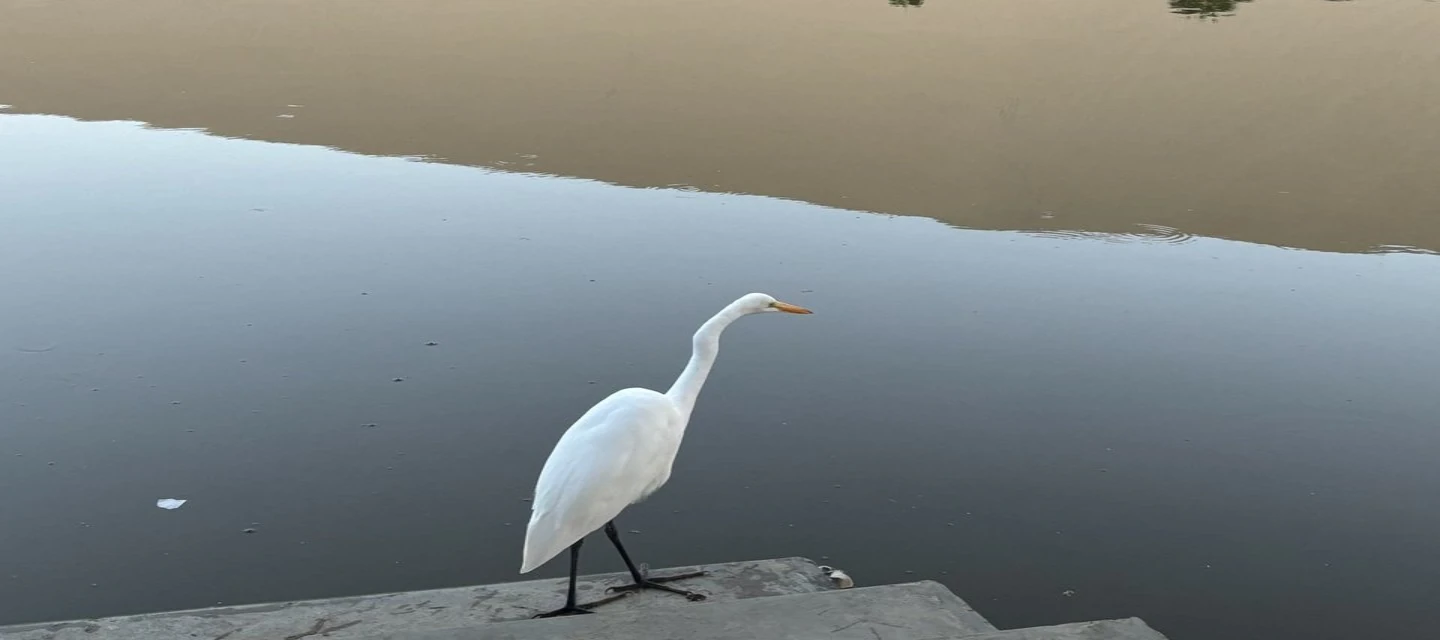
Stretch Image
Stretch an image online: make it wider or taller or squish it by pixels or percent. Plain stretch for memes, or content-aware seam carving. PNG or JPEG.
Plain stretch distorts on purpose; content-aware needs plain areas and varies by photo.
Open tool
Twitch Emote Resizer
Resize an image to Twitch emote sizes (112, 56 and 28 px) and sub badge sizes (72, 36 and 18 px). Squeeze, crop or pad it square and get transparent PNGs in one ZIP.
Static PNG emotes and badges; animated GIFs are not supported yet.
Open tool Discord Emoji Resizer
Resize any image to a 128 × 128 Discord emoji and a 320 × 320 sticker. Squeeze, crop or pad it square, keep transparency and check the 256 KB and 512 KB limits.
Static PNG emoji and sticker; no animated GIF or APNG yet.
Open toolResize for a platform
The same resizer, with a starting size and a guide for each format.
Edit & repair
Adjust light, detail, selected areas and simple backgrounds.
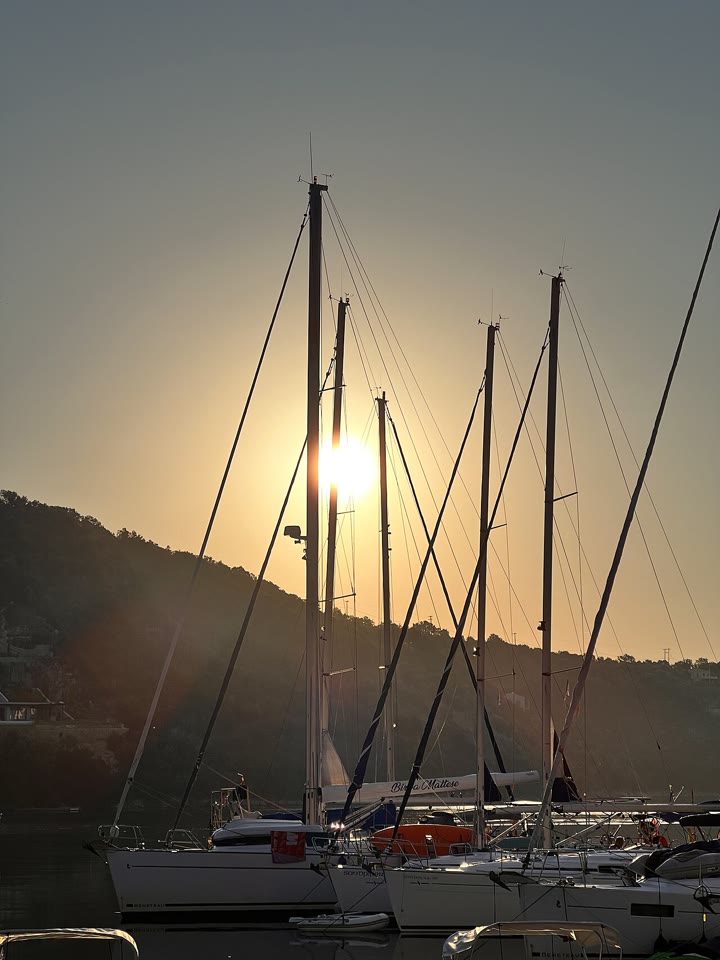
Color Correction
Correct photo exposure, color temperature, tint, contrast and saturation in your browser. Compare with the original and save a PNG.
Exposure and color adjustment; no RAW development.
Open tool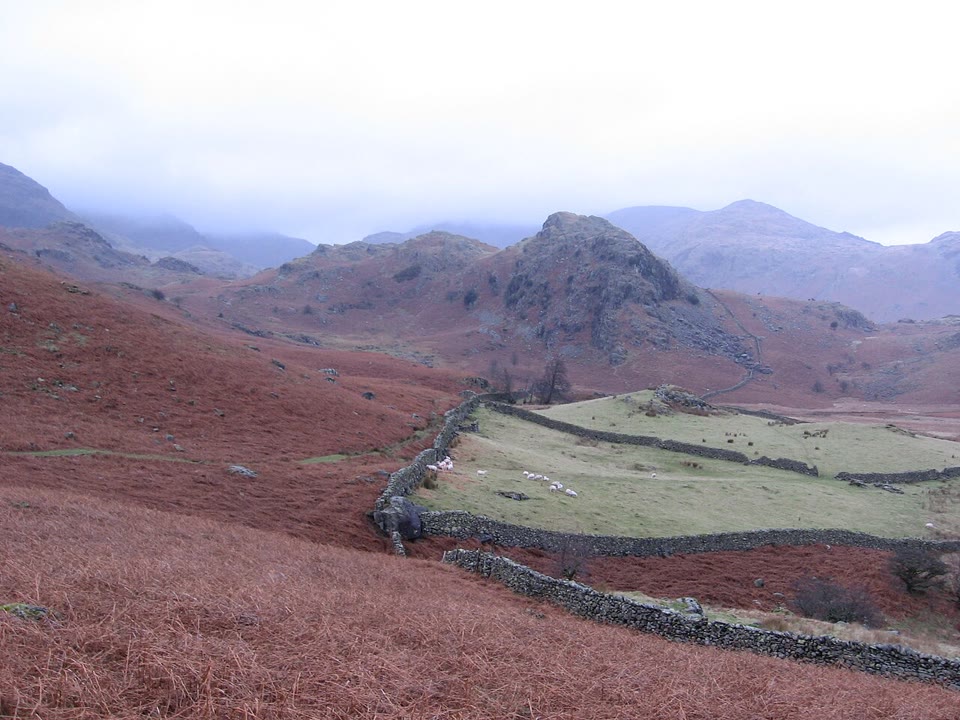
Sharpen Image
Sharpen image edges, reduce visible noise or dehaze a photo with local image filters. Inspect full-resolution detail and download the result.
Traditional filters; no AI detail reconstruction.
Open tool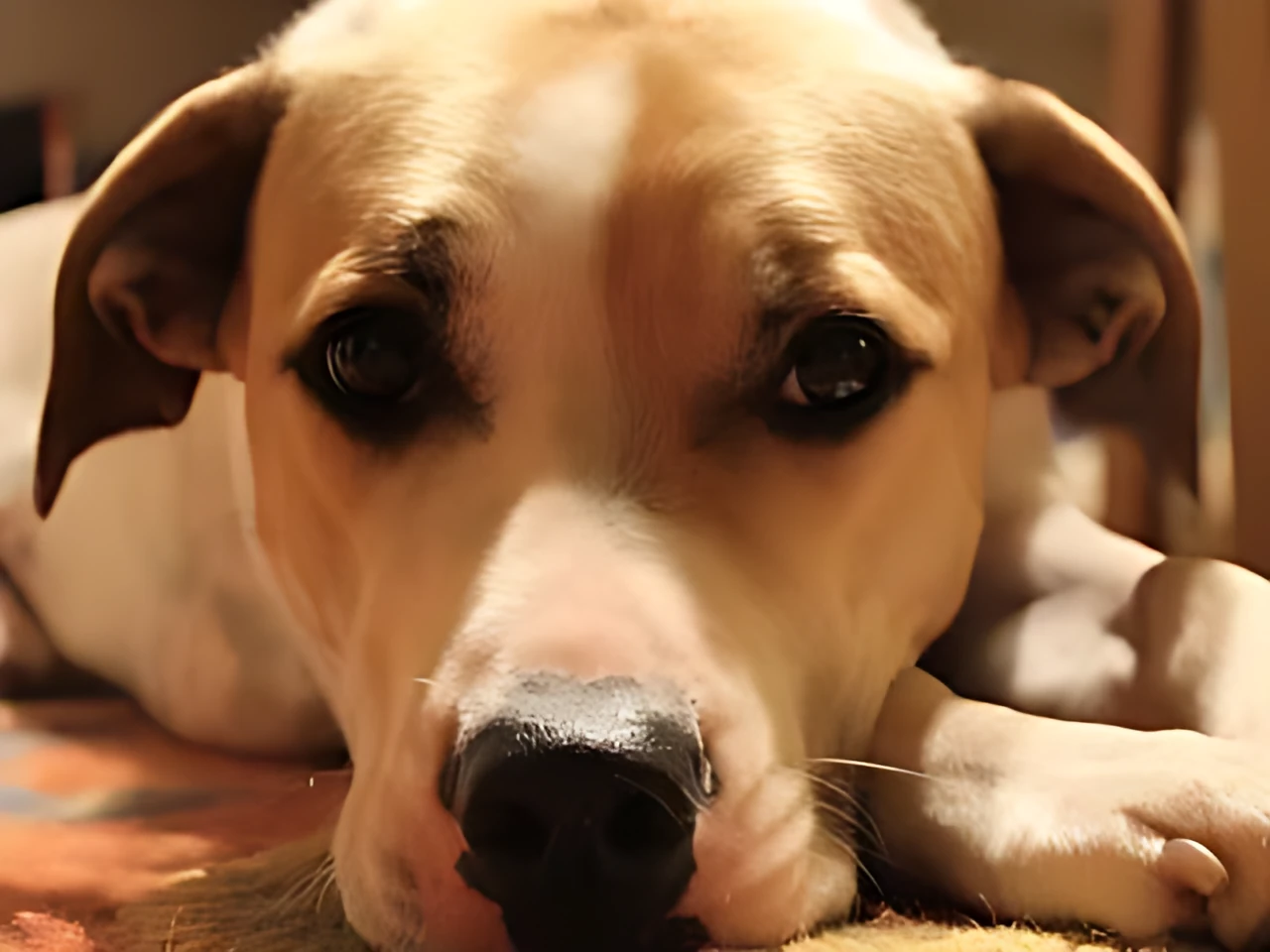
AI Image Upscaler
Free AI image upscaler: upscale an image 2x or 4x with Real-ESRGAN running in your browser. Sharper than ordinary resizing, no watermark, and your photo is never uploaded.
AI adds plausible detail; small text and faces can come out wrong.
Open tool
Blur Image
Apply a Gaussian blur online to selected areas of an image or the whole photo. Adjust the radius, compare and download PNG. Mosaic and solid cover too.
Choose the area yourself; solid cover is available.
Open tool
Transparent Image
Remove a solid background color from a logo or signature, erase areas manually, or adjust overall opacity. Save a transparent PNG locally.
Best for a known background color, logos and signatures.
Open tool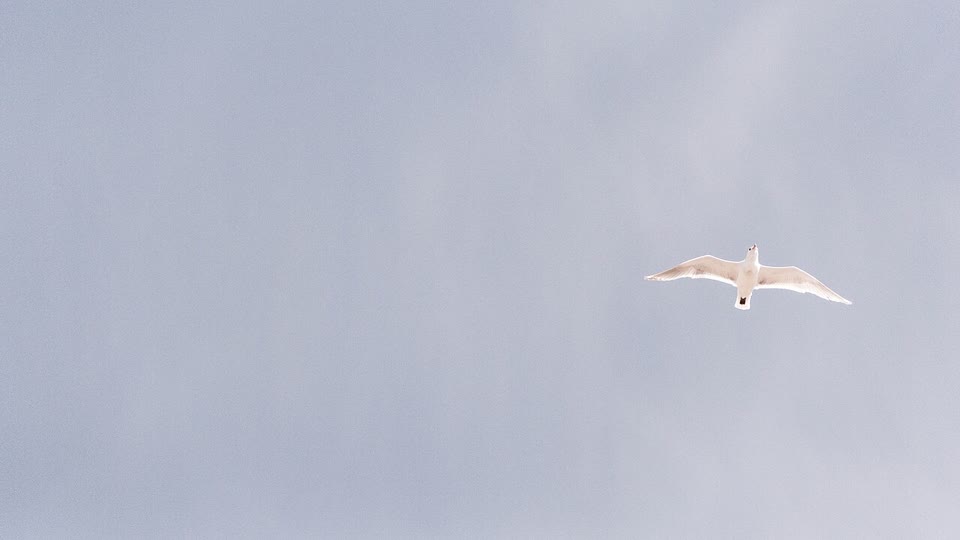
Remove Small Objects
Mark a small unwanted object or blemish and repair the area using nearby image texture. Try another repair and compare before downloading.
Small areas on simple backgrounds; inspect repairs.
Open toolEffects & animation
Create a stylized still image or a melting animation.
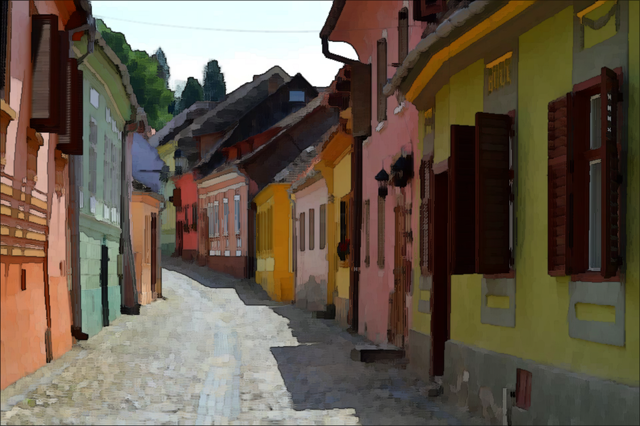
Image Effects
Dither, duotone, charcoal sketch and watercolor, with automatic preview.
Each mode starts from the original; effects are not stacked.
Open tool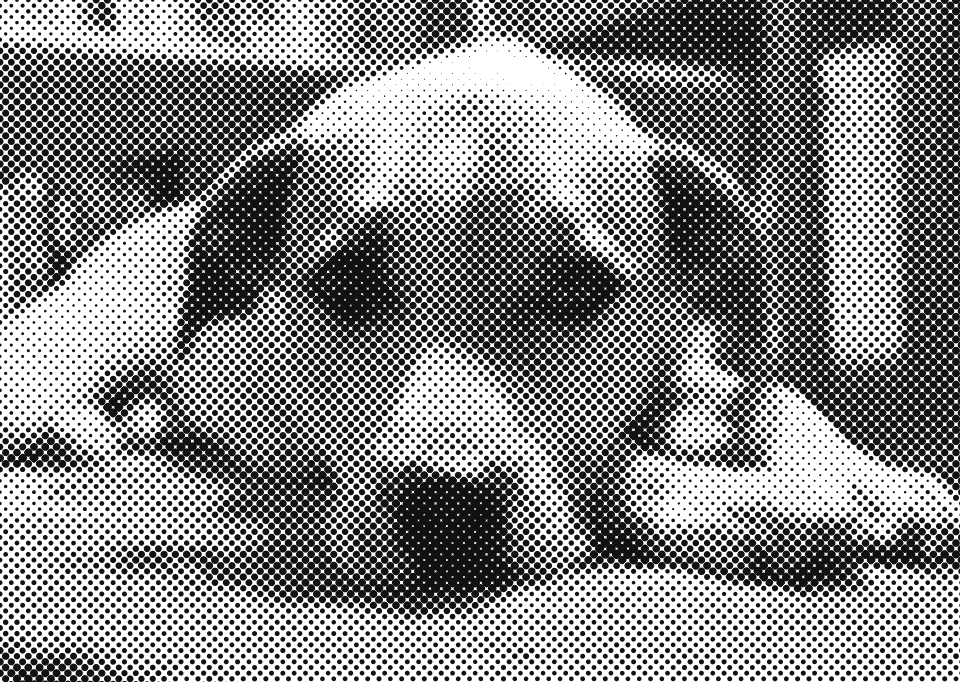
Halftone Generator
Turn a photo into a halftone with dots or lines, in one ink color or CMYK. Adjust spacing and angle, keep a transparent background and download PNG.
Dots or lines from tone; raster PNG, not print separations.
Open tool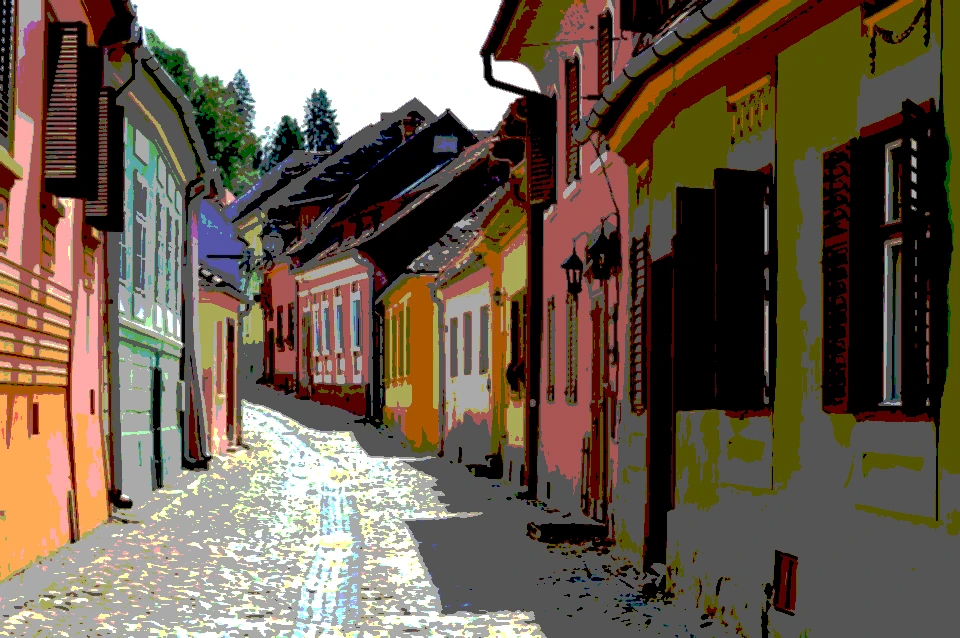
Posterize Image
Posterize a photo online: reduce each color channel to a few flat tones, smooth noisy detail first, or posterize in grayscale. Preview live and download PNG.
Evenly spaced levels per channel; no optimized palette.
Open tool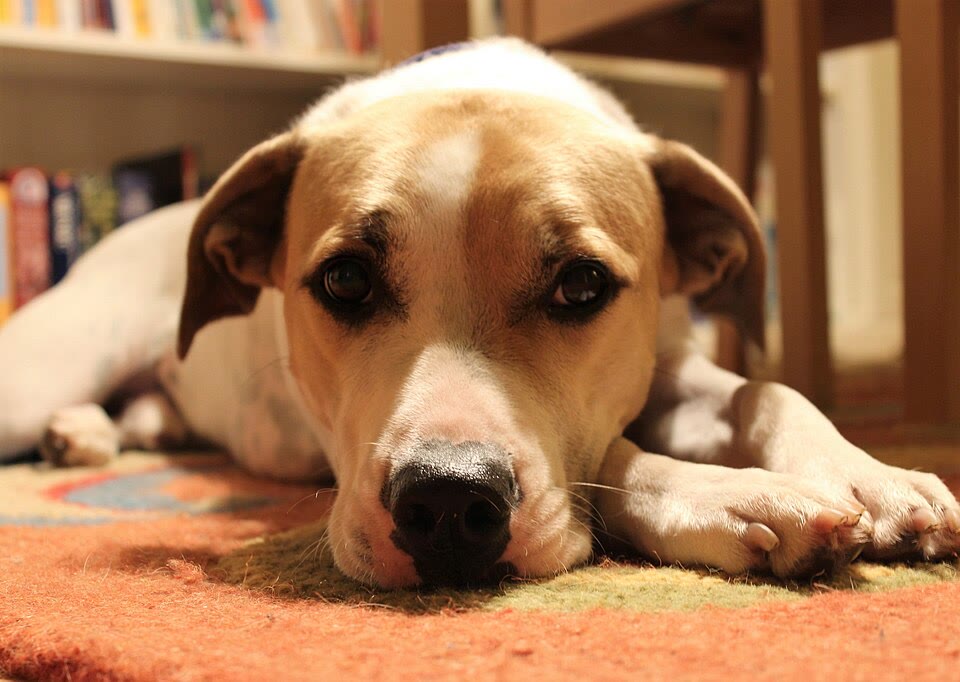
Melt Video
Turn a still photo into a squish, melt or reverse animation.
Starts from an image; does not edit uploaded video.
Open toolCompose & convert
Add annotations, arrange images and prepare your output file.
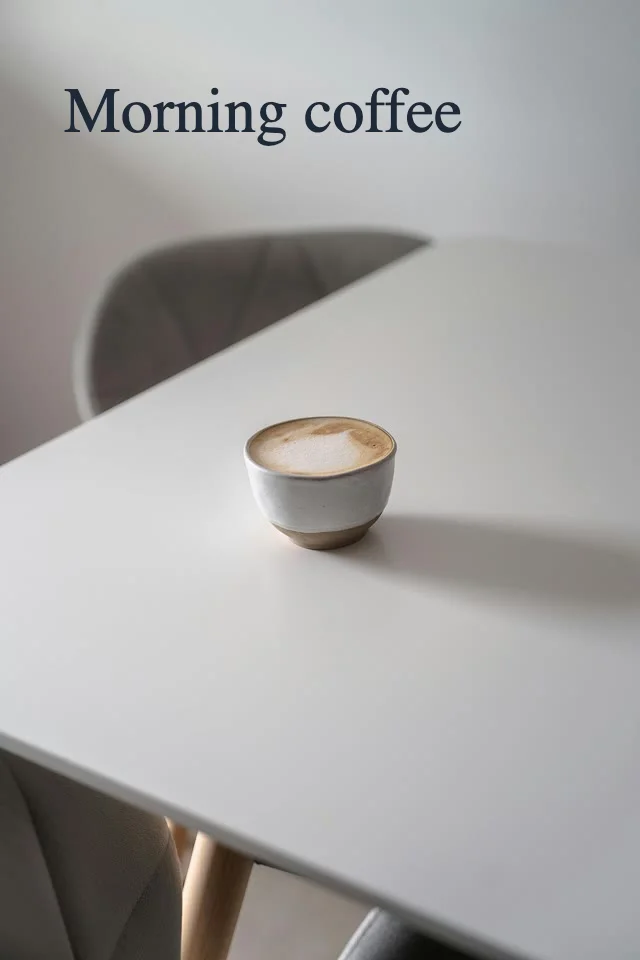
Add Text & Annotations
Add text to an image, draw arrows or boxes, and move annotations on a local canvas. Keep the original dimensions and download PNG.
Text and drawing remain editable until the page is closed.
Open tool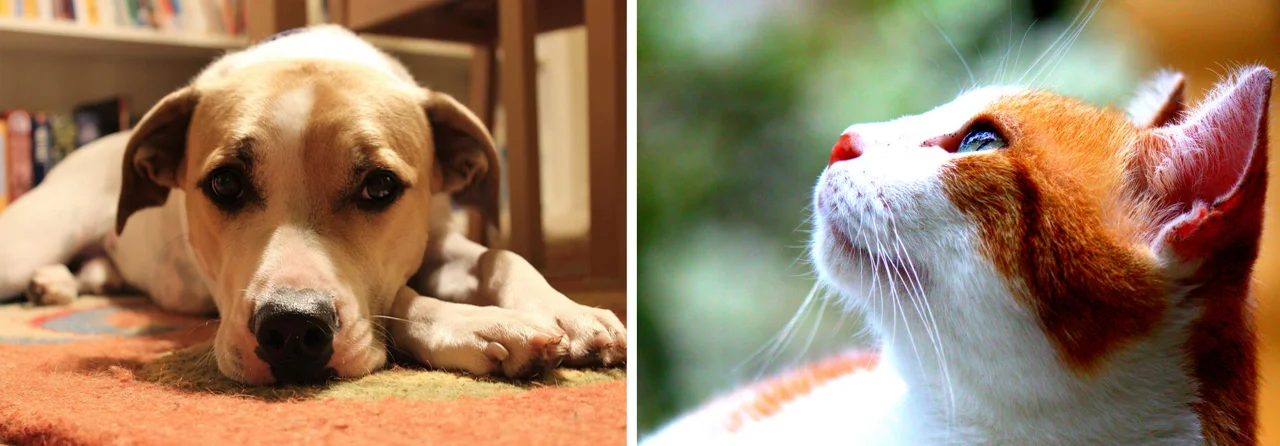
Merge Images
Merge images into one picture with horizontal, vertical or grid layouts, or arrange overlays. Control spacing, background and opacity locally.
Layouts and overlays; no panorama stitching.
Open tool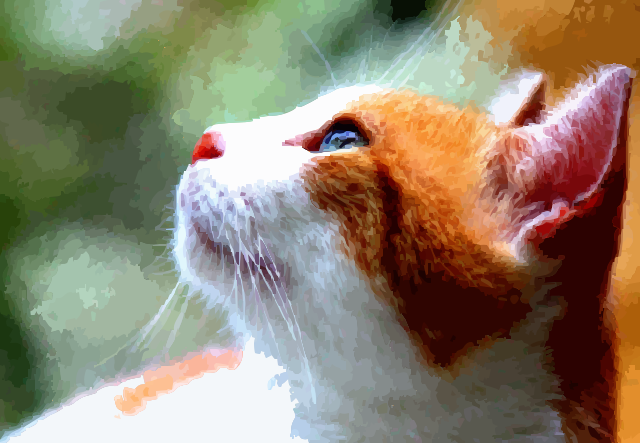
Image to SVG
Trace logos, line drawings and illustrations into vector paths.
Photos become simplified shapes; text is not editable text.
Open tool
Image Converter
Convert PNG, JPEG and WebP images locally, adjust quality or a target file size, then download individual files or a ZIP of successful results.
PNG, JPEG and WebP; target size may require smaller dimensions.
Open toolPhotoCraft-powered image tools
Use selected features adapted from the open-source PhotoCraft project directly in your browser. Open a focused tool to liquify a photo, apply watercolor or charcoal effects, correct colors, sharpen details, remove a solid background color or repair a small unwanted object.
These tools are free to use without signup, and image processing stays on your device. Content Aware Scale is an independent project, not the official PhotoCraft website or the full PhotoCraft editor. These focused tools export finished images; they do not provide a layered PSD workspace. Open-source notices.
Try an example, then edit your own image
Try a built-in example or open your own photo. Your images stay in your browser. Image-editing tools offer related next steps; SVG and format conversion finish with their own downloads.
Before you resize
Photo editing workflow: choose an order, keep your original and check the export
Where “Next with this photo” links are available, they carry the current photo into a related tool without a server upload. Otherwise, download the result and open it in the next tool yourself.