
Convert an image to vector SVG
Trace a logo or flat illustration into an SVG.
Your image
Large images are resized to a 2000 px long edge. Transparency is flattened onto white.
Example preview
color · photo to vector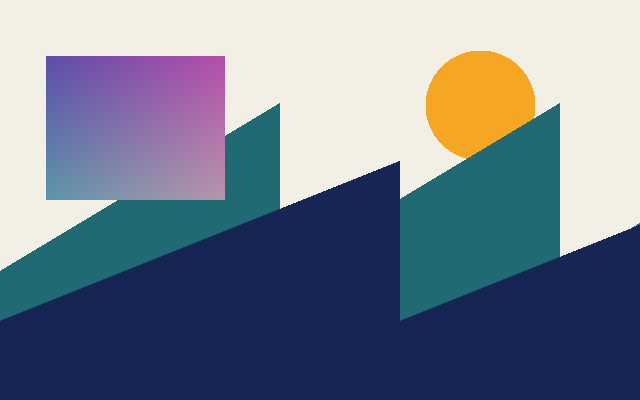
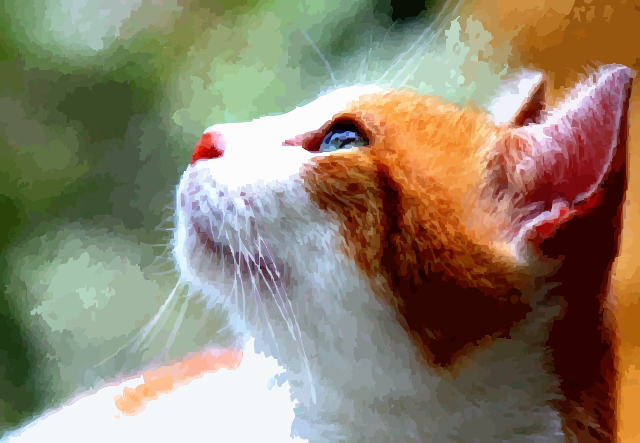
Made with this tool. The editable example loads automatically; you can also upload your own image.
Flat colors and clean edges, like this illustration, trace into crisp vector paths. This example uses detail 5 and speckle removal 4; load it to try those settings.
2 · Adjust & process
Each run starts from your original image.
From pixels to editable paths
Convert a PNG or JPG to a vector image for free: trace a logo, line drawing or flat illustration into scalable vector paths. Start with the example or choose your own image.
Choose Color for artwork or Black & white for a silhouette. Color detail controls how closely colors are separated; removing speckles discards small isolated shapes. Convert, inspect the preview, then download an SVG to open in a vector editor.
Image Trace online, without Illustrator
In Adobe Illustrator, this step is called Image Trace: it turns a raster image into vector paths you can scale and edit. This tool does the same kind of tracing in your browser with the open-source VTracer engine, so you do not need Illustrator or an account. Instead of Illustrator's trace presets, it offers Color and Black & white modes, a detail slider and speckle removal. The downloaded SVG opens in Illustrator, Inkscape, Figma or another vector editor.
PNG to SVG examples you can inspect
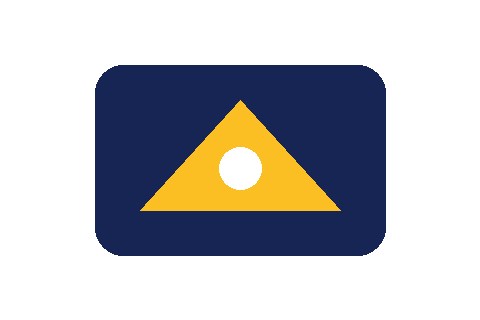
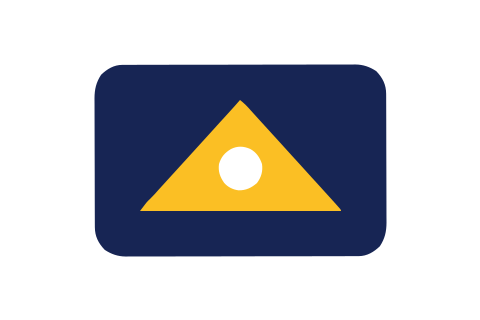
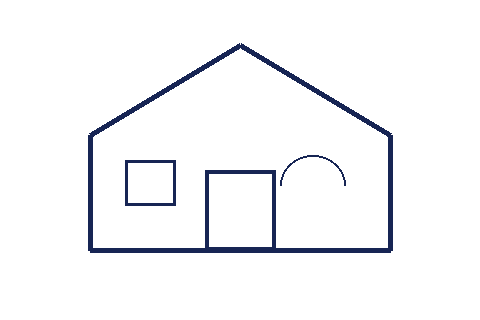
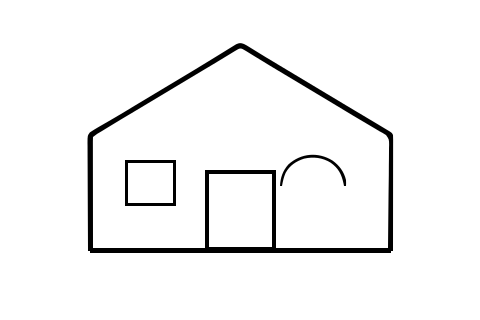
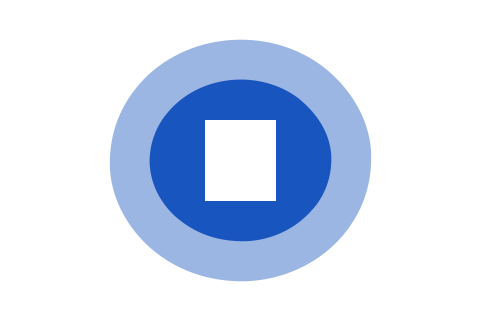
These authored drawings were processed with the same vectorizer used above. Download an input to try it in the tool, or open the saved SVG to inspect its paths. The result is traced vector artwork, not a PNG wrapped inside an SVG file.
A logo with flat colors
A simple line drawing
A transparent edge: what changes

What works best?
Clear edges and simple colors make cleaner paths. Photographs become stylized illustrations, not lossless copies. Text is traced into outlines rather than editable fonts. Fine texture can produce large SVG files.
Transparency and image size
This version composites transparency onto white before tracing; semi-transparent edges are not preserved. Large accepted images are scaled to a 2000-pixel long edge before conversion. Black-and-white mode uses image brightness with a fixed midpoint threshold.
Does my image leave my device?
No image is uploaded. The browser downloads the processing engine and runs it locally. Powered by VTracer 0.6.4; open-source notices.
Need a different kind of conversion?
To change between PNG, JPEG and WebP while keeping pixels, use Image Converter. To remove a plain background and keep a transparent raster image, use Make Image Transparent. SVG tracing here flattens transparency onto white.