 Content Aware Scale
Free · local processing · no signup
Give your image a retro finish
Choose textured dithering or a two-color treatment. Compare the result with your original, then save a PNG.
1 · Choose an image
Large images are resized to a 2000 px long edge. Transparency is preserved.
Example preview
dither
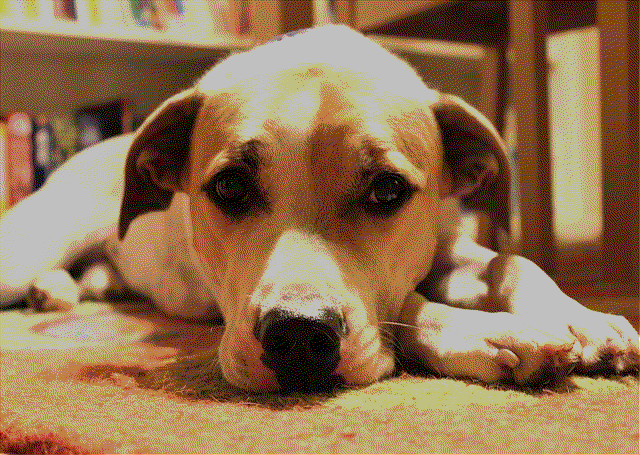
Inspect pixel detail
Full-resolution result. Scroll to inspect the texture.
Made with this tool. Use the example to try it yourself.
2 · Adjust & process
Each run starts from your original image.
Dither or duotone?
Dithering reduces available colors and distributes the difference across nearby pixels, creating a textured retro look. Lower color depth gives a more pronounced effect. Duotone maps the image between two colors; try a preset or choose your own pair.
Keep experimenting without losing the original
Each application starts from your original pixels, so repeated clicks do not stack effects. Reset settings restores the default controls. Press Apply effect to update the preview; downloads always contain the last completed result.
What gets exported?
A PNG at the displayed processing size, with input transparency preserved. Large accepted images are reduced to a maximum 2000-pixel long edge. This tool exports still images; for animation, use Melt Video.
Local processing
Your picture stays in the browser. Effects use Photon 0.3.2 running in WebAssembly, without an AI model or image-processing server. Open-source notices.