
Halftone generator: turn a photo into dots or lines
Turn a photo into dots or lines, then save a PNG.
Example image · ready to edit
PNG, JPEG or WebP. Up to 25 MB and 4000 × 4000 px. Large images are reduced to a 2000 px long edge. Your image stays in this browser.
Your preview
Live preview · updating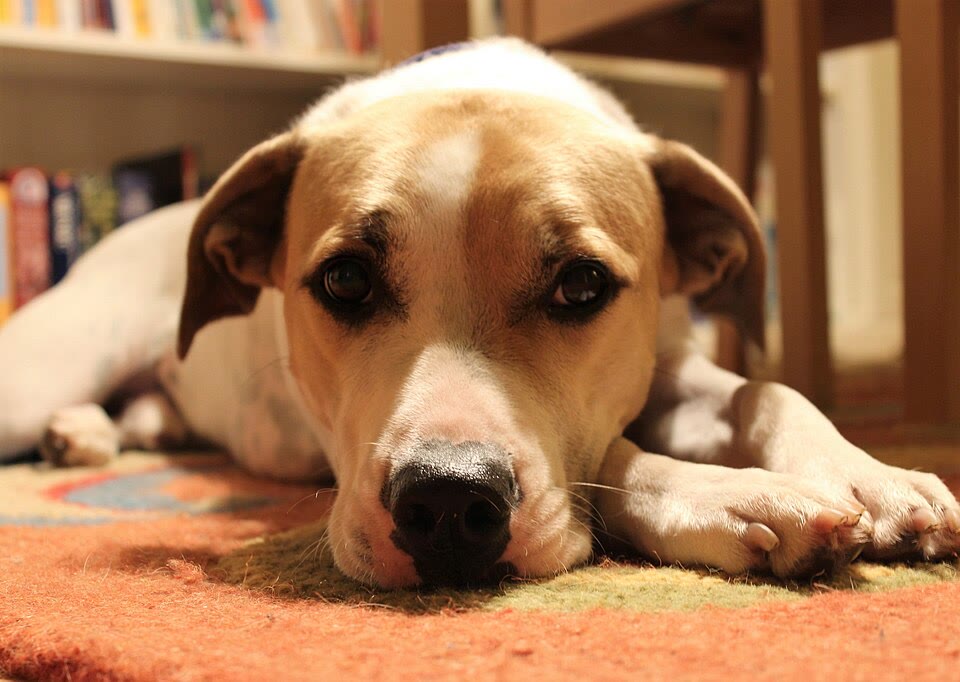
Adjust · preview updates automatically
Edits start from the original image. A fast preview updates as you adjust; full-size detail follows when you pause. Download uses your current settings.
Choose the spacing for the size you will use
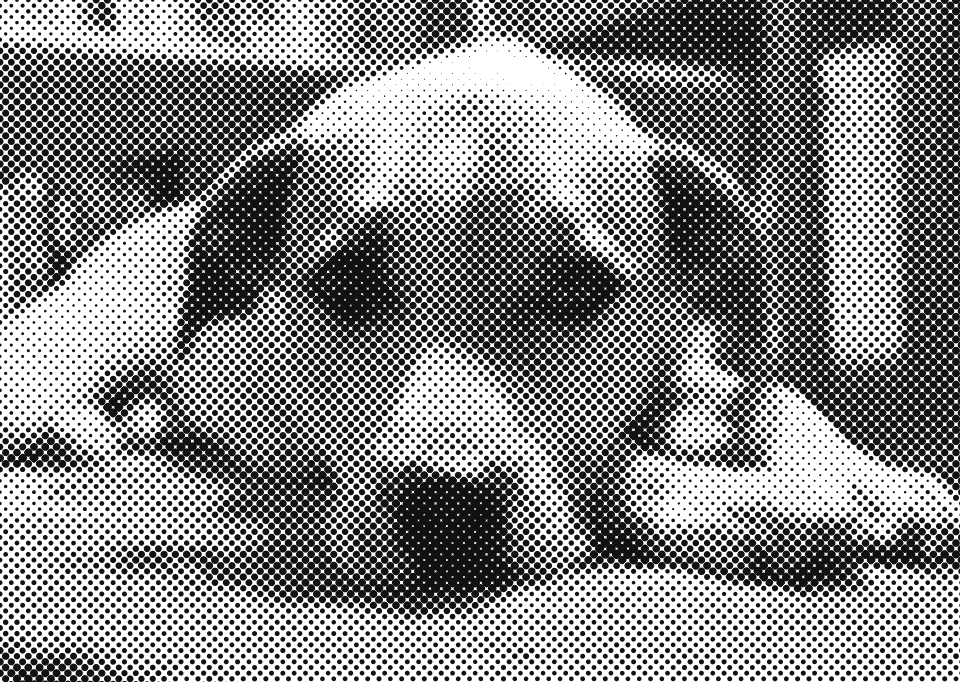
Turn a photo into a halftone with dots or lines, in one ink color or CMYK. Adjust spacing and angle, keep a transparent background and download PNG.
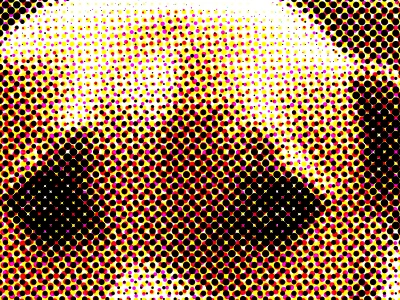
Smaller spacing keeps more detail; larger spacing gives a bolder, graphic look. Judge the result at the size it will be printed or posted, because dots that are clear at full size can blend into gray when the image is shown small. Use CMYK color for a comic or pop-art look, or Transparent background to keep only the ink.
How to use Halftone Generator
- 01
Start with the example photo or open your own image.
- 02
Choose dots or lines and one ink color or CMYK, then adjust the spacing and screen angle.
- 03
Inspect the dots at full size and download PNG. Turn on Transparent background to keep only the ink.
Dots or lines, one ink or CMYK color
Dots is the classic newspaper and comic-book halftone: each cell of the screen gets one round dot whose size follows the tone underneath, and neighboring dots merge in the darkest areas. Lines draws parallel strokes that thicken where the image is dark. One ink color prints the image in a single color on a paper color. CMYK color overlays cyan, magenta, yellow and black screens at the traditional 15°, 75°, 0° and 45° angles for a color halftone.
Halftone images for screen printing, DTF and stickers
Turn on Transparent background to export only the ink as a transparent PNG; the paper color is dropped and dot edges stay smooth. Spacing is measured in pixels of the exported image: at 300 pixels per inch, a spacing of 10 px is 30 lines per inch. Check your printer's minimum dot size before printing; this tool does not create color separations or set a press screen ruling.
A Photoshop halftone effect without Photoshop
In Photoshop, a halftone is usually made with Filter › Pixelate › Color Halftone, or by converting a grayscale image to Bitmap with a halftone screen. This free online halftone generator produces the same kind of dot or line screen in your browser, with no signup and no image upload. For a limited-color look without dots, try Posterize Image or the dither mode in Image Effects.
When this tool works best
This is a classic amplitude-modulated screen: darker areas get bigger dots or thicker lines. Very small spacing on a small image can look like plain gray, and very large spacing loses detail. The output is a raster PNG, not an SVG or a print-ready color separation.
Your downloaded file
A PNG at the displayed processing size, up to a 2000 px long edge. With Transparent background, paper areas are fully transparent and dot edges are antialiased.
Your image stays on your device
Processing runs in this browser. No image upload, account or remote AI service is required. Original images are kept separate from edits; failed processing keeps the original available. Downloads use your current settings; previews update automatically where supported. Open-source notices