
Discord emoji resizer: a 128 px emoji and a 320 px sticker
Make your image square, then download a Discord emoji and sticker as PNG.
Your image
PNG with a transparent background works best. PNG, JPEG or WebP up to 25 MB and 4000 × 4000 px. Your image stays in this browser.
Your preview
Making the square…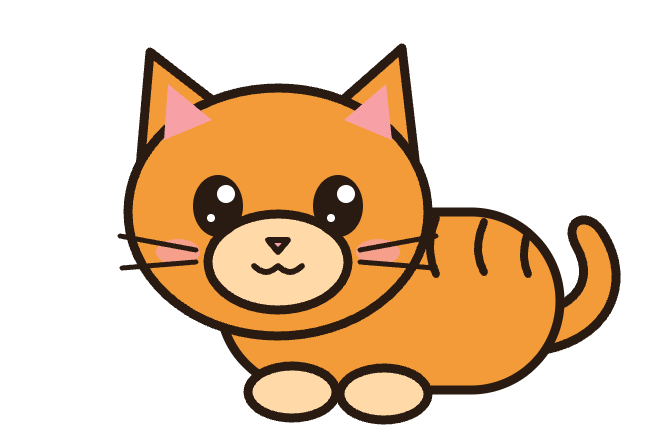
Discord sizes
Make it square
Squeeze, crop or pad: three ways to make it square
Resize any image to a 128 × 128 Discord emoji and a 320 × 320 sticker. Squeeze, crop or pad it square, keep transparency and check the 256 KB and 512 KB limits.
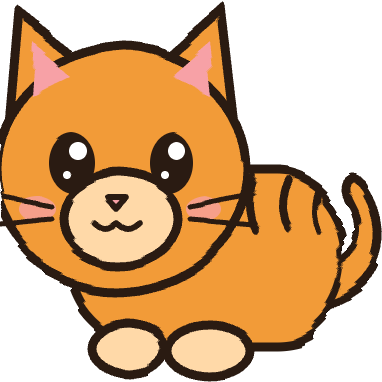
Squeeze uses content-aware resizing (seam carving): it removes the columns or rows that matter least, such as empty space and plain fill, so the face, ears and tail stay in the picture. Crop keeps a square part and cuts off the rest. Pad keeps everything and adds transparent space, which makes the art smaller in chat.
How to use Discord Emoji Resizer
- 01
Upload your art, ideally a PNG with a transparent background, or start with the example.
- 02
If the picture is not square, choose Squeeze, Crop or Pad. Squeeze removes empty and plain areas, so ears and outlines are not cut off.
- 03
Check the emoji and sticker on the dark and light chat previews, then download them and upload in Server Settings › Emoji or Stickers.
Discord emoji and sticker sizes
| Image | Size | Format | Max file size |
|---|---|---|---|
| Custom emoji | 128 × 128 px | PNG, JPEG, GIF or WebP | Under 256 KB |
| Animated emoji (not in this tool yet) | 128 × 128 px | GIF | Under 256 KB |
| Sticker | Exactly 320 × 320 px | PNG | 512 KB |
| Animated sticker (not in this tool yet) | Exactly 320 × 320 px | APNG, up to 60 FPS | 512 KB |
From Discord’s custom emoji help article, its developer documentation (which describes emoji images as 128 × 128) and the sticker creator FAQ, checked October 16, 2026. File sizes here are checked against 256,000 and 512,000 bytes, the stricter reading of Discord’s limits.
What size is a Discord emoji?
Upload a square 128 × 128 pixel PNG under 256 KB. Discord shows custom emojis much smaller than that in a message, so the extra pixels keep them crisp on sharp screens and when someone sends an emoji on its own, which Discord shows larger. A square matters: art on a wide canvas leaves the emoji tiny, with empty space on two sides.
Why stickers need exactly 320 × 320
Discord accepts stickers only at exactly 320 × 320 pixels. Desktop chat shows them at 160 × 160, and the double-size file keeps edges clean on high-resolution displays. Discord recommends letting the sticker fill as much of the canvas as possible, so keep “Trim empty transparent edges” on, and use a transparent background so the sticker sits cleanly on every theme.
Why squeeze instead of crop?
Emoji art is rarely drawn on a square canvas. Cropping a wide picture to a square cuts off ears, hands or a tail, and padding it keeps everything but leaves the art small. Squeeze uses seam carving to find paths through the least important pixels, such as empty transparent space and plain areas of fill, and removes them until the picture is square. Detailed parts like eyes and outlines are kept. When more than a quarter of the width or height has to go, the tool warns you: compare Squeeze with Crop and Pad and keep the one that looks best.
Check both chat previews before you upload. On Discord’s dark themes a dark outline can disappear; a lighter edge or a thin light stroke keeps the shape readable. Streaming on Twitch as well? The Twitch emote resizer makes every emote and badge size from the same art.
Discord emoji resizer FAQ
- What size should a Discord emoji be?
- Make it a 128 × 128 pixel square. Discord’s developer documentation describes emoji images at that size, and every custom emoji must be under 256 KB. PNG, JPEG, GIF and WebP files are accepted; use PNG to keep a transparent background.
- What size is a Discord sticker?
- A custom sticker must be exactly 320 × 320 pixels: a PNG for a static sticker or an APNG for an animated one, at most 512 KB. Desktop chat shows stickers at 160 × 160, so the 320 px file stays sharp on high-resolution screens.
- Why won’t Discord let me upload my emoji?
- Most often the file is over 256 KB, which is easy to hit with a full-size photo. A 128 px PNG from this tool is usually only a few kilobytes. Also check the name, which needs at least 2 characters using only letters, numbers and underscores, and that you are the server owner or have the Create Expressions permission.
- How do I make an emoji square without cutting it off?
- Choose Squeeze. It makes the picture square with content-aware resizing, removing empty space and plain fill instead of cutting off an edge. If the subject fills the whole frame and starts to bend, choose Pad: it keeps every pixel and adds transparent space around the art.
- Can I make animated emojis or stickers here?
- Not yet. This tool makes static PNG emojis and stickers. Discord takes animated emojis as GIFs under 256 KB and animated stickers as APNGs of up to 512 KB at no more than 60 frames per second.
- Is my image uploaded to a server?
- No. Resizing, squeezing and the downloads all happen in your browser. Your image is not uploaded, and you do not need an account.
When this tool works best
Static emojis and stickers only; animated GIF emojis and APNG stickers are not supported yet. Squeeze works best when the picture has empty or plain space to remove. A subject that fills the whole frame can bend, so compare it with Crop and Pad.
Your downloaded file
Two square PNGs with transparency kept: a 128 × 128 emoji checked against Discord’s 256 KB limit and a 320 × 320 sticker checked against the 512 KB limit. Download them one at a time or together in a ZIP.
Your image stays on your device
Processing runs in this browser. No image upload, account or remote AI service is required. Original images are kept separate from edits; failed processing keeps the original available. Downloads use your current settings; previews update automatically where supported. Open-source notices